
Schools depend on technology every day. Chromebooks travel between classrooms, interactive boards support instruction, projectors bring lessons to life and administrative computers keep school operations moving. But as devices age, break or are replaced, they often end up stacked in storage rooms, tucked into closets or left on carts while staff decide what to do with them.
Those outdated electronics take up valuable space, and some may still contain student, family, employee or financial information. A thoughtful technology retirement plan can help a school clear out unusable equipment, protect sensitive data and ensure electronics are handled responsibly.
Whether your school is replacing a few computers or completing a district-wide technology upgrade, the following steps can make the process more manageable.
Start with a School-Wide Technology Inventory
Old technology is rarely stored in one convenient location. It may be spread across classrooms, computer labs, administrative offices, libraries, maintenance areas and IT storage rooms. Before scheduling a pickup, ask each department to identify equipment that is no longer being used.
Common school electronics may include:
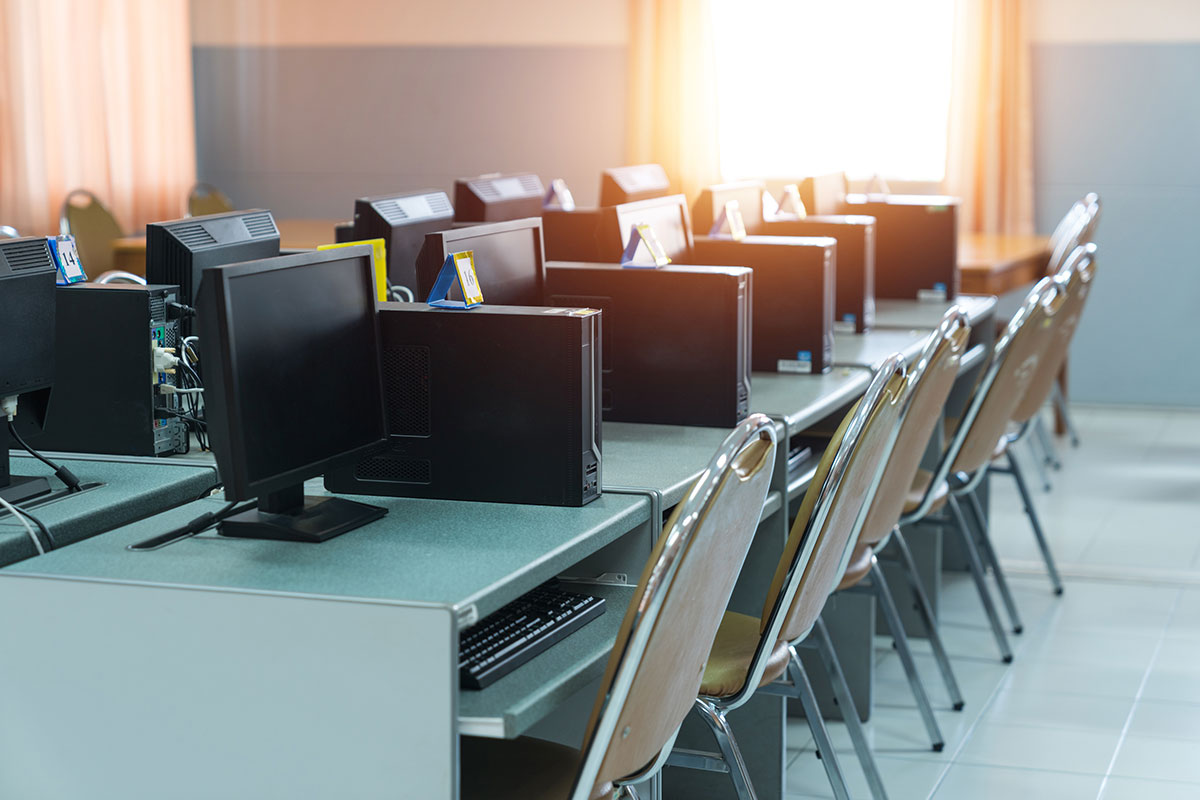
- Chromebooks, laptops and desktop computers
- Tablets and mobile devices
- Computer monitors
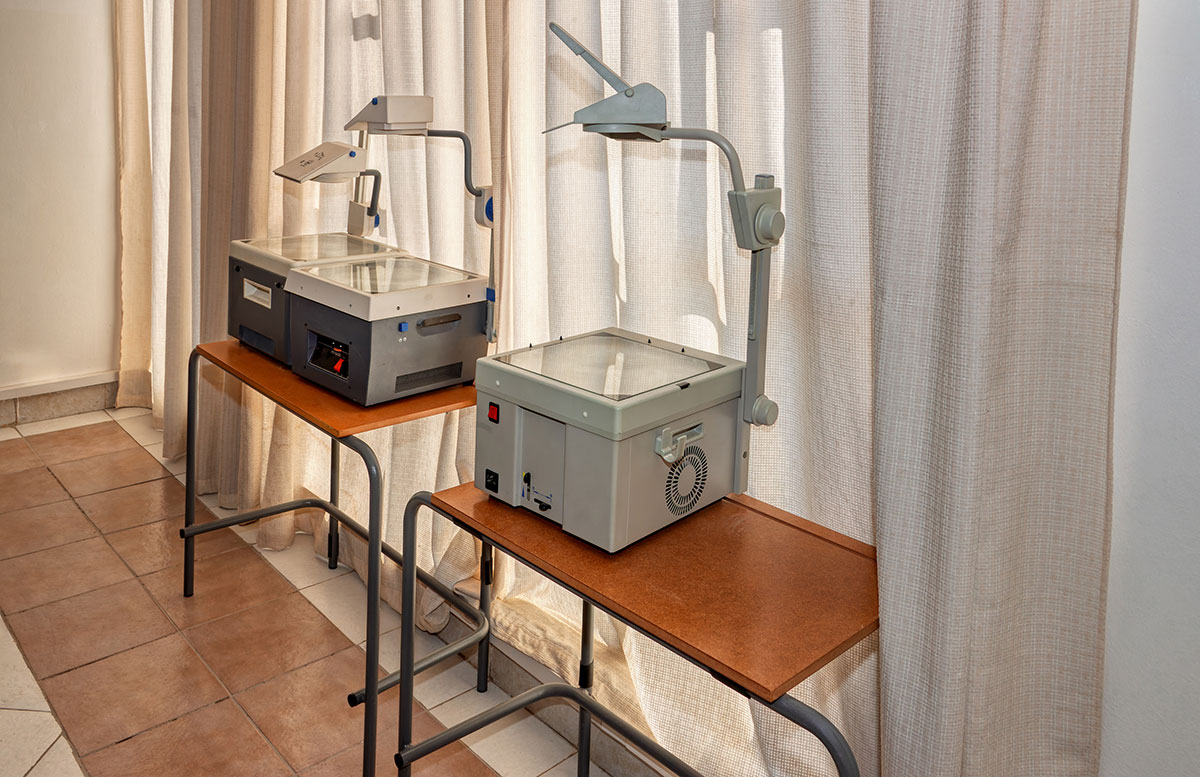
- Projectors and document cameras
- Interactive boards and classroom displays
- Printers, copiers and scanners
- Servers, networking equipment and battery backups
- Keyboards, mice, docking stations and cables
- Telephones, radios and communication equipment
- Audio and video equipment
- Administrative computers and external storage devices
A basic inventory helps the school understand the size of the project and identify which devices may contain stored data. It also makes it easier to separate equipment that can still be used from items that are ready for recycling.
Decide What Can Be Reused and What Should Be Recycled
Not every older device needs to be recycled immediately. Equipment that still works may be reassigned within the school, used for parts or considered for an approved reuse or donation program.
However, devices that are broken, unsupported, unsafe, too costly to repair or no longer compatible with school systems may have reached the end of their useful life. Keeping unusable equipment indefinitely does not add value. It simply moves the decision to another semester while the pile continues to grow.
Once the school has completed its assessment, clearly label devices for reuse, repair or recycling. This prevents usable equipment from being removed accidentally and keeps the recycling project organized.
Protect Student and Administrative Data
Data security should be part of every school technology retirement plan. Computers, servers, external drives and other devices may contain sensitive information even when they no longer turn on or staff members believe the files have been deleted.
Schools should work with their IT department to identify every device that contains a hard drive or other data-storage media. Depending on the equipment and the school’s data-retention policies, storage media may need to be securely wiped, degaussed or physically destroyed.
Physical hard drive destruction provides a clear end point for devices that should never be reused. Responsible Recycling Services offers secure hard drive shredding and degaussing along with certification documenting the destruction. This can help schools maintain a record of how retired data-bearing equipment was handled.
Don’t Forget Administrative and Support Areas
Classroom devices may be the most visible part of a technology upgrade, but they are not the only electronics a school needs to consider. Front offices, guidance departments, health rooms, libraries, cafeterias and maintenance departments may all have outdated devices.
These areas can contain computers, printers, point-of-sale equipment, external drives, phones and other electronics connected to student or employee information. Including every department in the inventory process helps reduce the chance that forgotten equipment will remain in storage after the main project is complete.
It is also helpful to check for boxes of cables, chargers, keyboards, mice and other accessories. These smaller items accumulate quickly and can often be collected as part of the same electronics recycling project.

Create a Safe Collection and Staging Area
Once the school knows what will be recycled, choose a secure location where equipment can be collected before pickup. The staging area should be accessible to authorized staff but protected from students, visitors and general building traffic.
Keep data-bearing devices separate or clearly marked so they receive the correct handling. Avoid placing heavy monitors, printers or other equipment in unstable stacks. If your recycling partner provides packing or palletizing instructions, share those requirements with maintenance and IT staff before moving equipment.
For larger projects, assigning one coordinator can prevent confusion. This person can confirm the inventory, communicate with the recycling company and make sure equipment from all departments is ready when the pickup team arrives.
Schedule the Project Around the School Calendar
Technology retirement projects are often easiest to complete during summer break, holiday closures, in-service days or immediately after a major equipment replacement. However, schools do not have to wait until the end of the academic year. A planned pickup can take place whenever storage areas are becoming crowded or a technology upgrade is completed.
Scheduling in advance gives administrators time to:
- Complete the equipment inventory
- Confirm which devices are approved for removal
- Identify hard drives and other storage media
- Prepare the staging area
- Coordinate access with IT and facilities staff
- Gather any internal records required by the school or district
If your district regularly replaces technology, consider creating a recurring review process. Addressing retired electronics on a regular schedule is much easier than managing years of accumulated equipment at once.
Choose a Responsible Electronics Recycling Partner
A school should know where its retired electronics are going and how its data will be protected. Ask potential recycling partners about their handling process, data-destruction options, documentation and downstream recycling facilities.
Responsible Recycling Services works with R2 and e-Stewards certified recycling facilities and follows a no-landfill e-waste policy. For schools and other larger organizations, RRS provides convenient on-site pickup services tailored to the size and needs of the project.
Instead of asking school employees to transport computers, monitors and other equipment themselves, a scheduled pickup brings the recycling service directly to the school. RRS can help schools manage electronics recycling and secure hard drive destruction through one coordinated project.
Make the Next Technology Upgrade Easier
Outdated classroom technology does not have to become a permanent fixture in a school storage room. With an organized inventory, a clear data-security plan and the right recycling partner, schools can retire old equipment responsibly while reclaiming valuable space.
Planning ahead also makes future upgrades easier. Staff members know what to collect, IT teams know how data-bearing equipment will be handled and administrators have a dependable process for moving outdated electronics out of the building.
Ready to Clear Out Outdated School Technology?
Responsible Recycling Services makes electronics recycling easier for schools, districts and educational organizations. From classroom Chromebooks and computer monitors to administrative equipment and hard drives, our team can help coordinate a secure and responsible recycling pickup.